Prerelease 0.0.1: early access, feedback welcome
Page tools and developer utilities
in your side panel.
21 everyday tools one click away: pick colors, grab images, export tables, capture and annotate, rewrite headers, plus passwords, Base64, hashing, UUIDs, QR codes, regex and cron. Everything runs on your own device.
What you get
Page tools: they work on the tab you are viewing
| Tool | What it does |
|---|---|
| Color picker | Eyedropper for any pixel, HEX / RGB / HSL, history, a palette pulled from the whole page, and lightness and opacity adjustment |
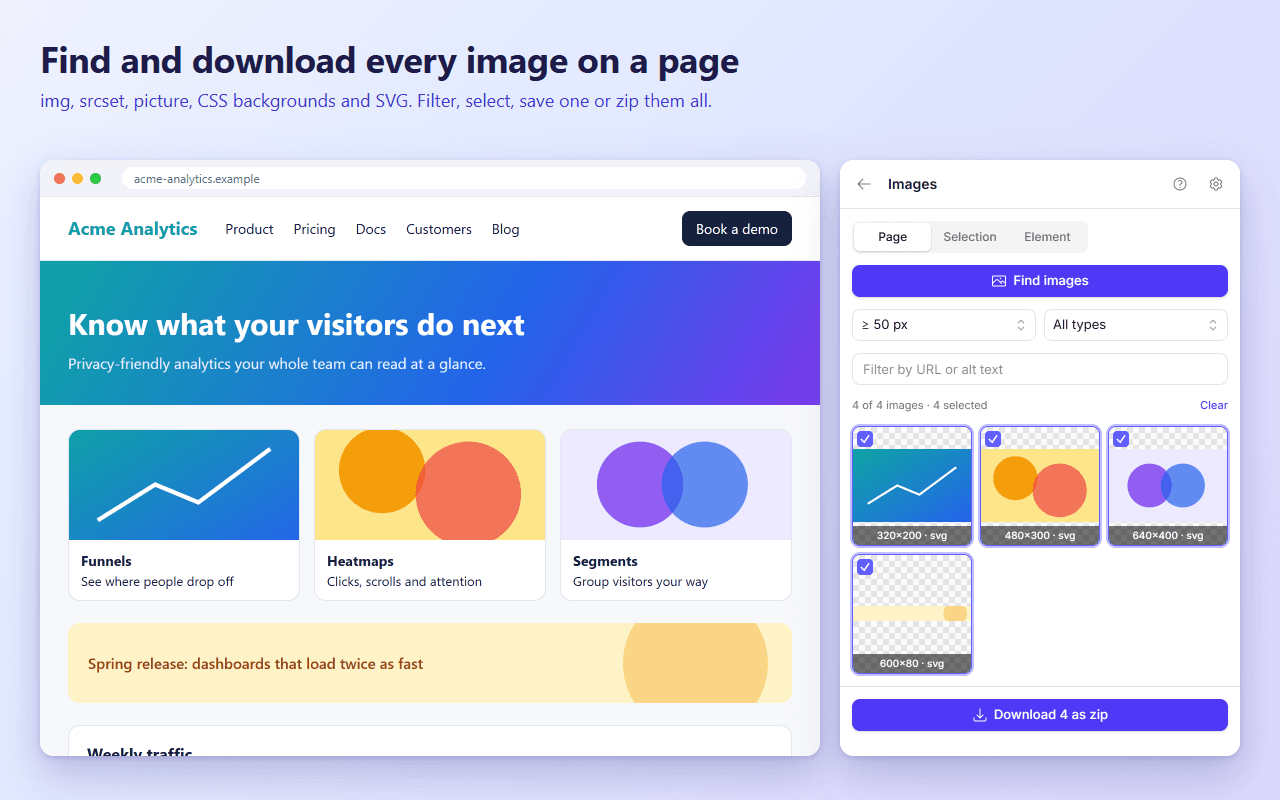
| Images | Finds every image on a page (img, srcset, picture, CSS backgrounds, SVG). Filter, preview, download one or zip them all |
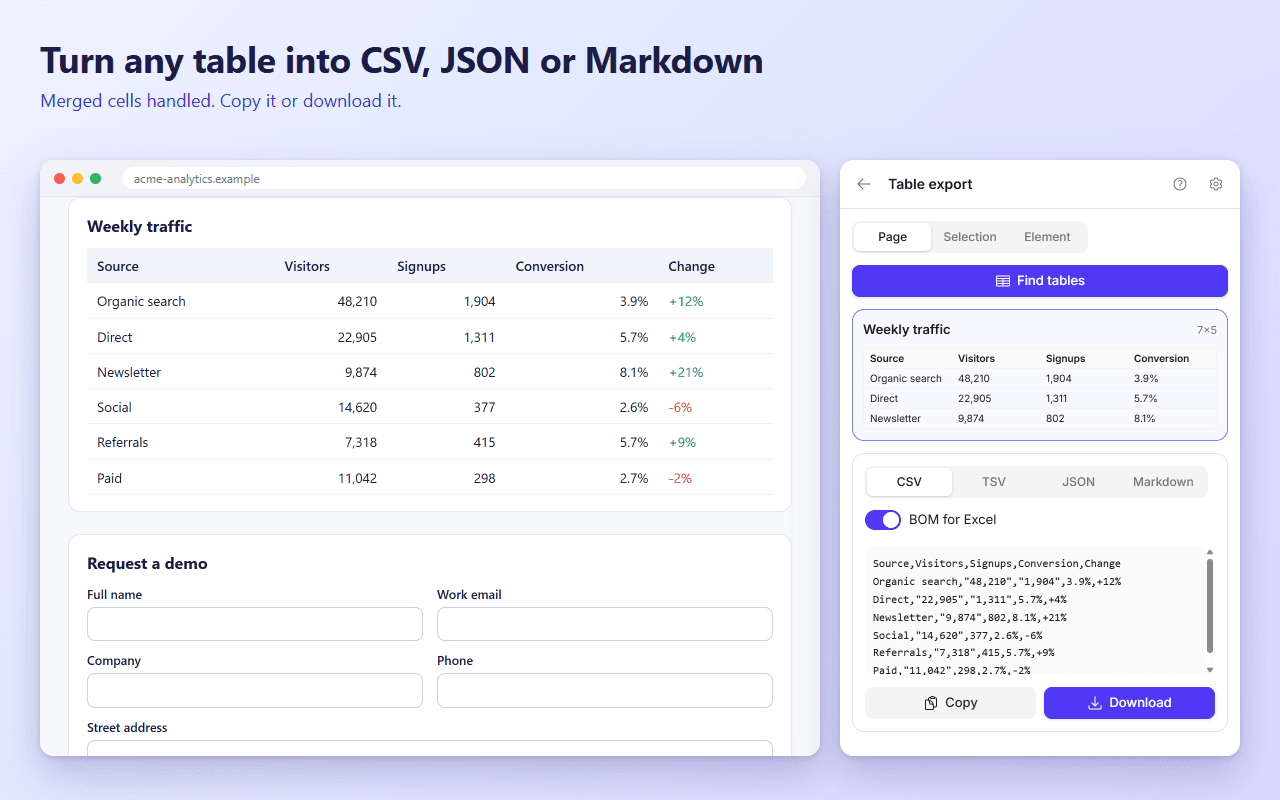
| Table export | Turns any table into CSV, TSV, JSON or Markdown, with merged cells handled |
| Page to PDF | Whole page or one section, any paper size, orientation, margins and scale |
| Screenshot | Visible area, full page, one element or a dragged region, as PNG, JPEG or WebP |
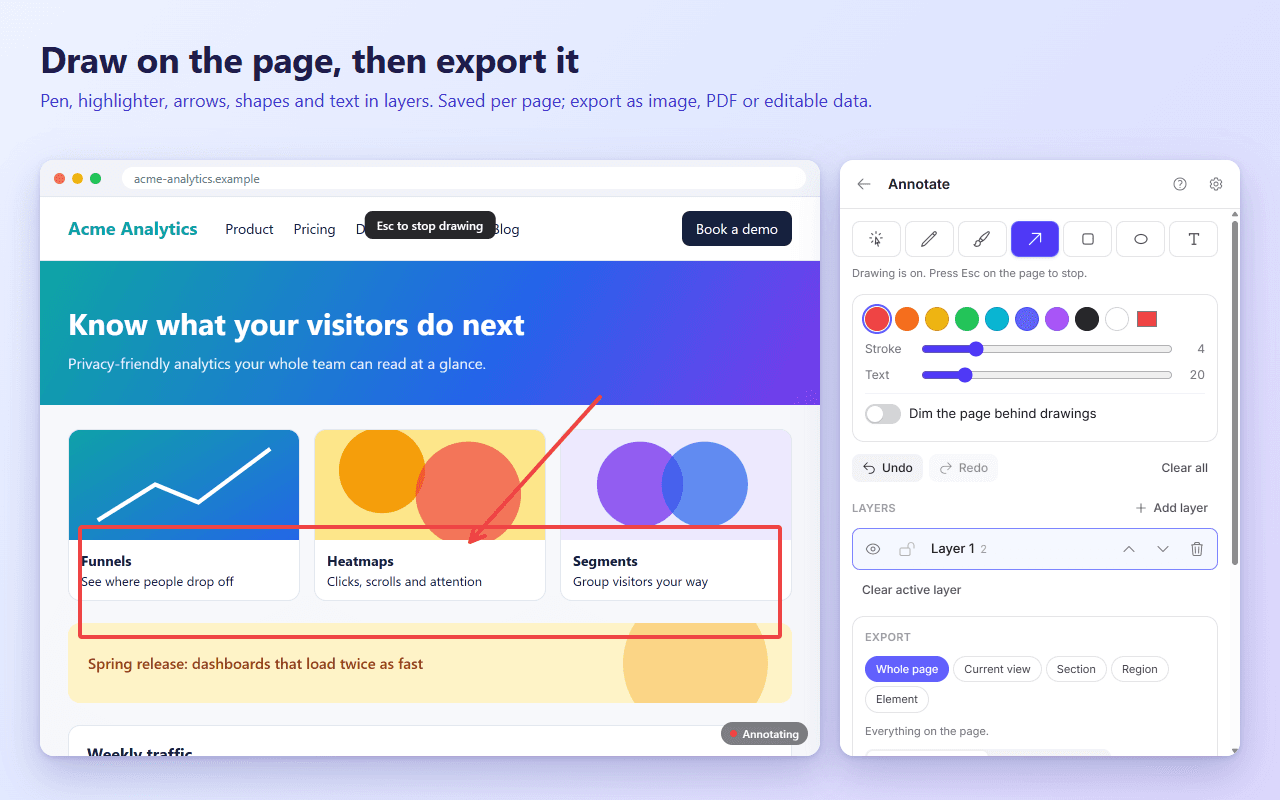
| Annotate | Draw on the page with pen, highlighter, arrows, shapes and text in layers. Saved per page. Export as image, PDF or editable data |
| Headers and method | Rewrite request and response headers, or the request method, globally or per tab |
| User agent | Switch browser and device identity, including Client Hints |
| Links | Collect and filter links from the page, a selection or a section you pick |
| Form filler | Fill forms with realistic test data or your own per-site profiles. It never submits |
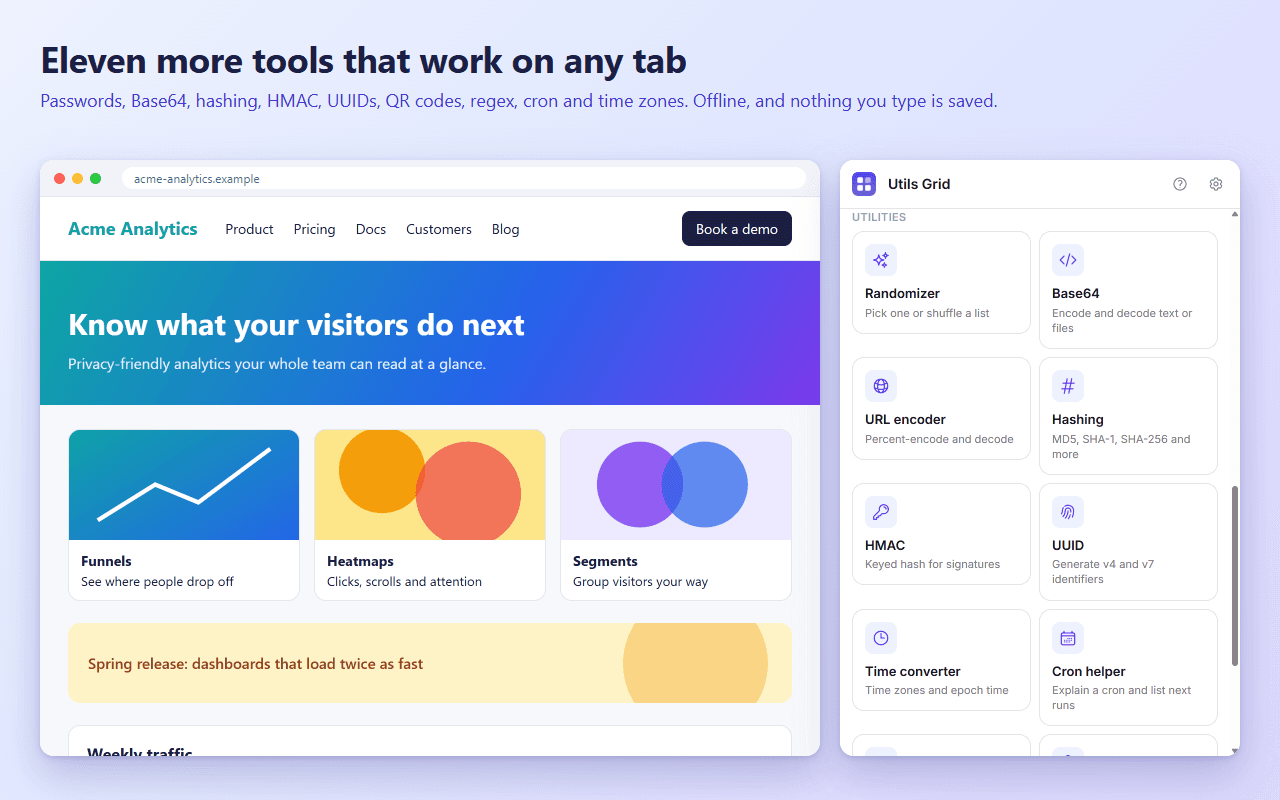
Utilities: they work offline, on any tab
| Utility | What it does |
|---|---|
| Password generator | Random passwords, or memorable word phrases like "silly eagle" with your choice of separator and word list; make a list of up to 50 |
| Randomizer | Pick one item or shuffle a list |
| Base64 | Encode and decode text or files; URL-safe, padding and wrapping options |
| URL encoder | Percent-encode and decode, with a form-style option |
| Hashing | MD5 (legacy), SHA-1, SHA-256, SHA-384, SHA-512 of text or files, with a compare check |
| HMAC | Keyed hashes (SHA-1/256/384/512) with the key as text, hex or Base64 |
| UUID & Nano ID | UUID v4, v7 and nil, or short Nano IDs with a length and alphabet you choose, in bulk, each with its own copy button |
| Time converter | Any two time zones, epoch seconds and milliseconds, ISO 8601 |
| Cron helper | A plain-English explanation and the next run times in any time zone |
| Regex tester | Find, replace and split with highlighting. A runaway pattern is stopped, not left to freeze the panel |
| QR code | Create codes, and read them from a pasted, dropped or screenshot image |
Why people use it
- Private by design. No account, no analytics, no ads and no developer servers. What you type into a utility is never saved or sent.
- One panel instead of many extensions. 21 tools share one consistent interface, one shortcut and one set of settings.
- Light by default. Each tool loads only when you open it. Screenshots, PDF and header rules have a lightweight engine that needs no special banner.
- Quality when you need it. An optional High quality engine uses Chrome's debugger for exact full-page screenshots, real vector PDFs and per-tab request rewriting. Chrome shows its "debugging this tab" banner only while it runs.
- Right-click friendly. Select text anywhere and Base64 encode or decode it, URL encode it, hash it, check a file against a hash, make a QR code, convert a timestamp or explain a cron expression. Right-click an image to read a QR code in it.
- Keyboard friendly. Alt+Shift+D opens the panel, C the color picker, S screenshots an element and L collects links from a section.
Use cases
Front-end developers and QA
- Pick an exact color from a live site, check its contrast, and copy it as HEX, RGB or HSL.
- Pull every image off a page in one zip, or the whole palette in one click.
- Capture a full-page screenshot or a vector PDF of a staging page.
- Annotate a bug directly on the page, then export it as an image to attach to a ticket.
- Fill a signup or checkout form with realistic test data in one click, without submitting it.
- Switch the user agent to reproduce a device-specific bug.
API and back-end developers
- Test a CORS or caching fix in the browser by rewriting response headers, without touching the server.
- Change a request's method to see how an endpoint responds.
- Verify a webhook signature with HMAC, or compare a file's SHA-256 against a published checksum.
- Decode a Base64 token or a percent-encoded query string.
- Convert an epoch timestamp from a log into local and UTC time.
- Generate UUIDs, including time-ordered v7 ones, for test data.
- Check what a cron expression means and when it runs next in another time zone.
- Try a regular expression against real text before it goes into code.
Designers and marketers
- Extract a page's color palette, or lighten and darken a brand color with exact values.
- Download every image from a page as a zip.
- Create a QR code in your brand colors for a campaign, and download it as a PNG.
- Mark up a screenshot with arrows and notes to give feedback.
Researchers, analysts and writers
- Turn an HTML table into a CSV, JSON or Markdown file in two clicks.
- Collect every link in a section of a page, filtered by site.
- Save a clean full-page PDF of an article.
Everyone
- Read a QR code from a screenshot, a pasted image or a file, without a phone.
- Pick a winner or shuffle an order with a cryptographically random draw.
A few quick recipes
Test a CORS fix without a deploy. Open Headers and method, choose the Allow CORS preset, reload the page and watch the request succeed.
Verify a webhook signature. Open HMAC, choose SHA-256, enter the shared secret (it is masked and never saved), paste the raw payload and compare the digest with the header value.
Turn a table into a spreadsheet. Open Table export, press Find tables, pick CSV and download. Open the file in your spreadsheet app.
Make a branded QR code. Open QR code, type the link, pick your brand color, keep error correction at M or higher, and download the PNG.
Find out when a job runs next. Open Cron helper, paste the expression, choose the server's time zone and read the next ten run times.
Good to know
- Chrome blocks extensions on
chrome://pages and the Chrome Web Store. The page tools tell you when a page is off limits; the utilities still work there. - The first time you open the panel you can press Allow so the page tools work on any tab you switch to. You can revoke it any time in Chrome's extension settings.
- Requires Chrome 120 or newer.